The app, members only
Your run, over the game.
Exclusive to members. Our desktop app connects Star Citizen to HQ, so the paperwork happens while you fly. Neither is public: both come with joining.
The desktop app
Over the game, on Windows and Linux.
Every associate gets it on joining.
Over the game
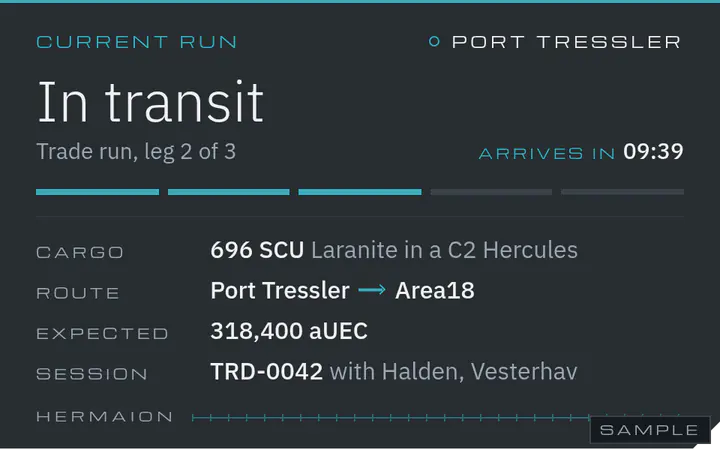
Panels over Star Citizen in the style of its HUD: your mission, your party, crew, timers, the radar and route watch. Place them where you like; the mouse goes straight through.
Your mission, from the game's log
Take a hauling contract and the app offers to post it. As the game logs your loading, your jump and your delivery, it asks to move the run on: one click or one key.
Radar and crew
Members on a map of each system, moving within seconds as they jump and arrive. Who is online, where, how many minutes away, and who is on your server.
Refinery timers and SOS
One key at the refinery terminal adds the order, and Dispatch messages you when it is done. Press SOS twice and the company has your call, with your ship, your run and your last position.
Crew, sessions and voice
Ask for crew on your ship, or start a session for an evening of trading or mining. A voice channel opens on our Discord for the people on it, and the recap splits the profit if you agreed to.
A second screen
A tablet, a phone or a second PC as a multi-function display, linked with a QR code: the overlay's panels, larger and live. The screen above is one.
Hotkeys, in the game
- Ctrl+Alt+N
- The next step of your mission
- Ctrl+Alt+Stwice
- SOS, for critical danger
- Ctrl+Alt+R
- Add a refinery order at the terminal
- Ctrl+Alt+I
- Interdicted: logs it and warns the others of the spot
- Ctrl+Alt+1 to 5
- Callouts to your party: Contact, Interdicted, Jumping now, Ready, Hold
Change any of them in the app's Settings.
- Hands off the game
- The app never reads the game's memory, injects nothing and never touches the game's process. It reads the game's own text log, and the screen only when you press a reading hotkey.
- Members only
- There is no public download: the app is for Hermaion members only, and works only for them. Once you are in, you download it from HQ, for Windows 10 and 11 or Linux. It signs in with Discord and keeps itself up to date.
HQ
Plan it, post it, fly it.
Where the work is planned and kept: the planners, the contracts, escorts and the company's records, on the web and inside the app.
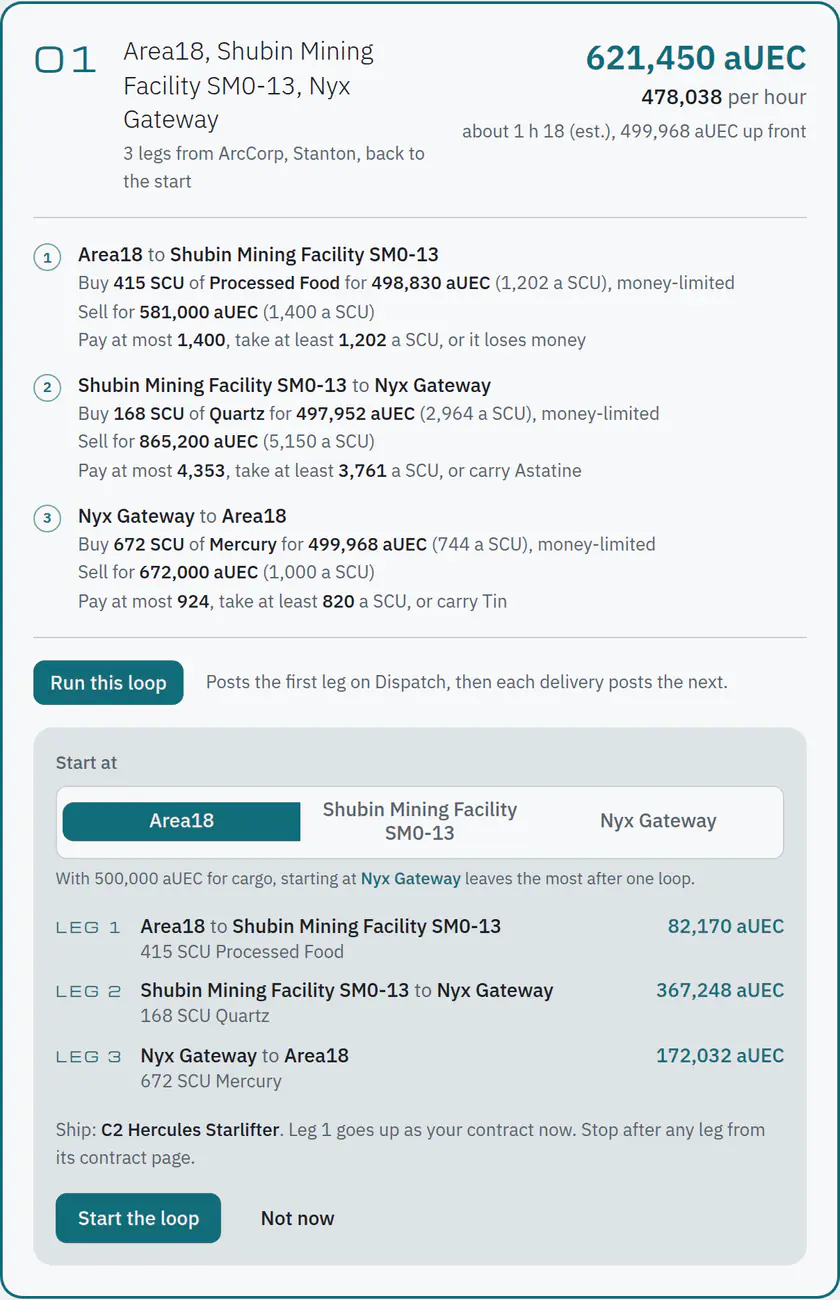
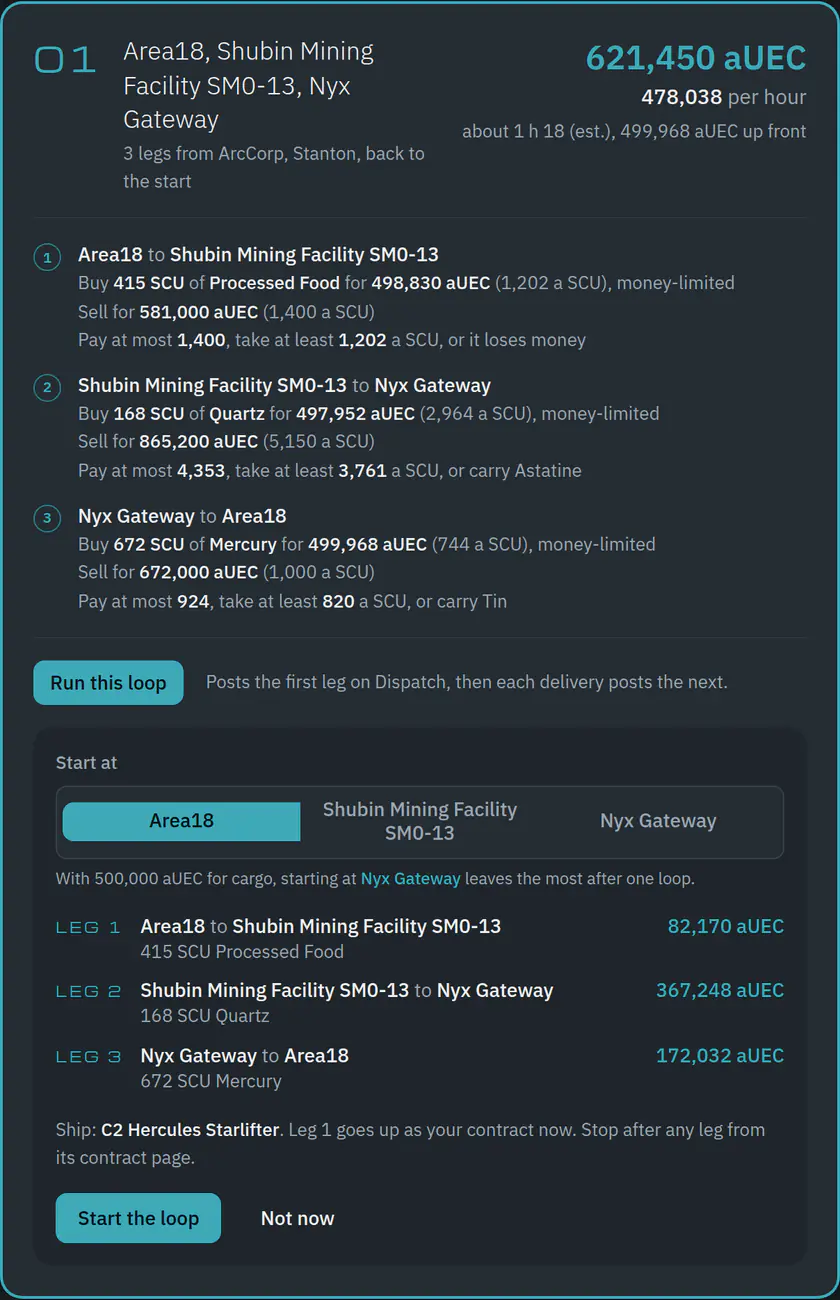
Routes and loops on current prices
Single runs, loops that end where they started, and a plan for the time you have tonight, on market prices from UEX and SC Trade Tools. Every stop says what to pay at most.
Run this loop
One press posts the first leg as your contract. Each delivery posts the next, for you and the same ship, until the loop is done.
Contracts on Dispatch
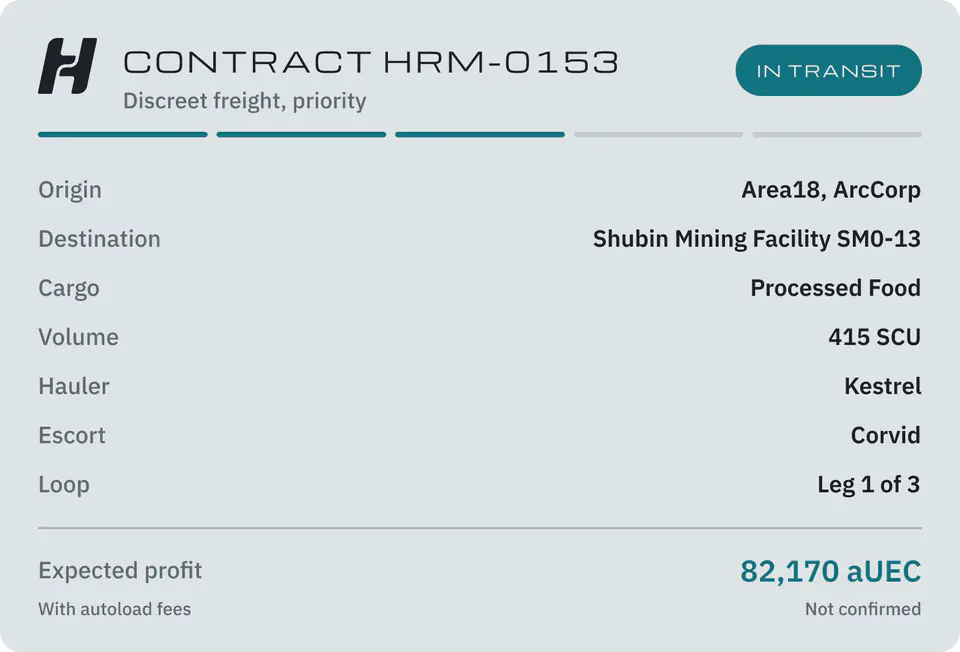
Every run is a contract with stages. Dispatch, our Discord bot, posts its card and keeps it up to date as you fly. The public card never names the cargo.
Escorts and SOS
Ask for cover with a fee suggested from the last week on your route, and an escort takes it. An SOS reaches HQ and Discord at once.
Refinery
Your work orders and when they are ready, with a message from Dispatch the moment one is done, and the best refinery for your ore.
Ships, parts and rentals
Where to buy a component, a weapon or a piece of kit, and where to rent a ship, nearest first.
Reputation tiers
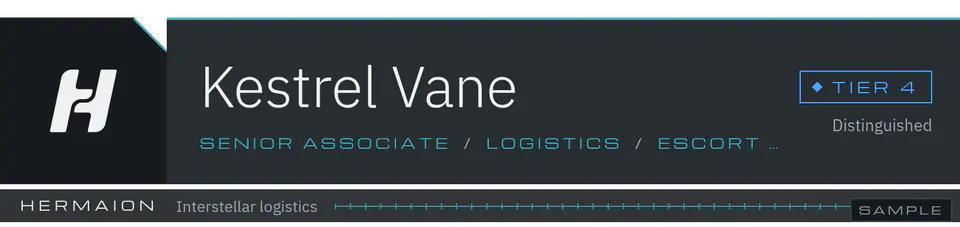
A standing from Tier 0 to 5, earned by work done and money settled on time.
How tiers workFor members who stream
StreamKit
Overlays for OBS in the house style: a name plate, your run and its stages, a route card and the session tally, live from HQ. You choose what goes on stream; discreet by default.
Thanks to data from
Every price, route and ship on Hermaion starts with these two community projects. Visit them, and support them if you can.


Now recruiting
Both come with joining.
There is no public download. Apply, talk with the Board, and both open once you are admitted.